
Bark & Book guides
How to Schedule a Grooming Route That Doesn't Eat Your Day
How to Schedule a Grooming Route That Doesn't Eat Your Day
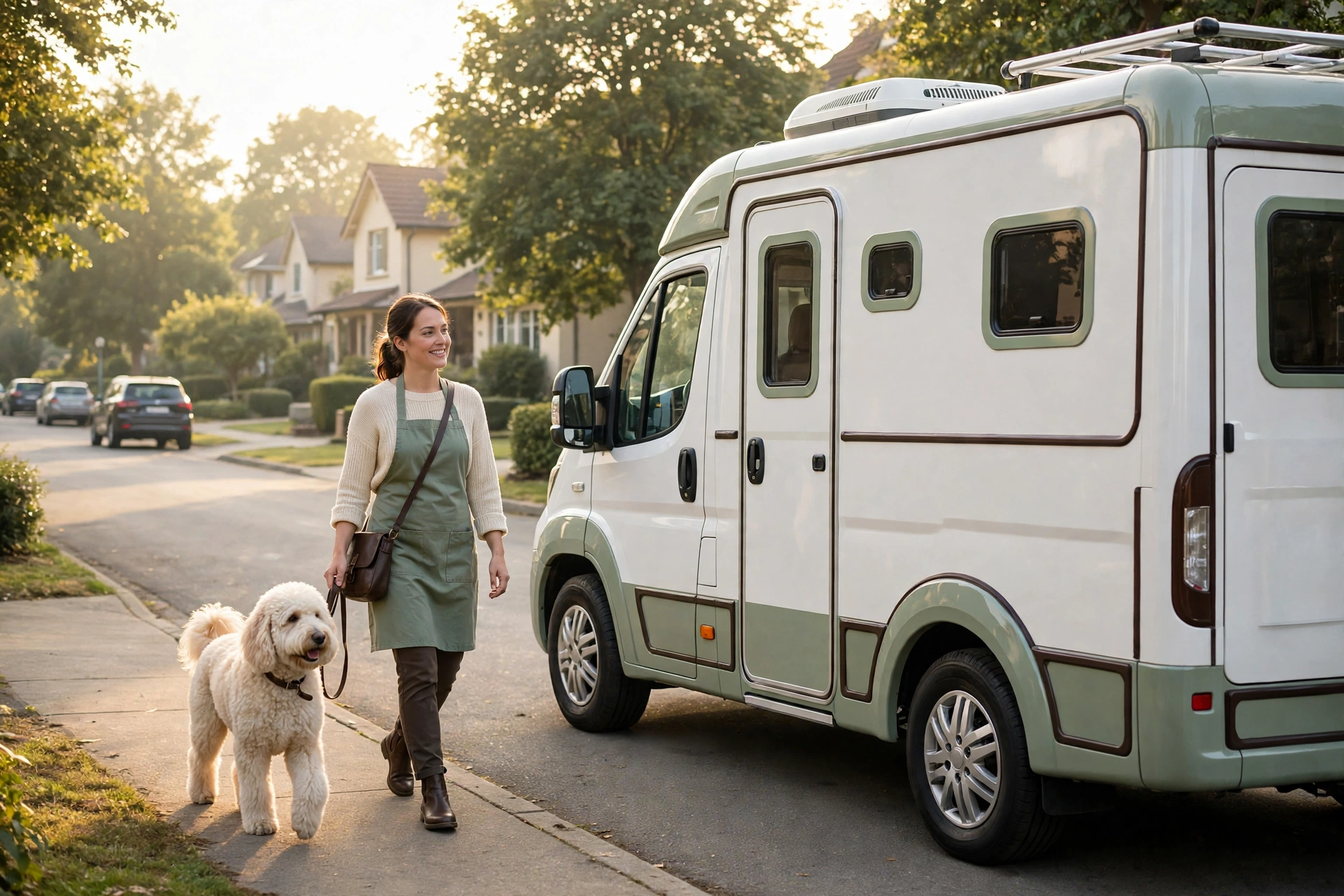
Most mobile groomers don't lose their day to the grooming. They lose it to the gaps: the twenty-minute drive across town for a single nail trim, the doodle that arrives matted when the booking said "tidy-up", the client who isn't home, and the evening spent texting tomorrow's clients to confirm they still want you.
If you run one van, or you and one other person share the round, your schedule is your capacity. There is no front desk to absorb a late start. This guide walks through a simple, repeatable way to schedule a mobile grooming route so the day ends roughly when you planned it to, without buying a dispatch system built for fleets.
Why Mobile Grooming Schedules Fall Apart
Before fixing the route, it helps to name what usually breaks it. Almost every overrun comes from one of four places.
The four usual route-breakers
None of these is solved by driving faster. All of them are solved earlier, at the moment the booking goes on the calendar.
Step 1: Give Each Day an Area
The single biggest change most solo groomers can make is to stop treating every day as "anywhere". Split your service area into a few zones you can describe in a sentence — "north of the river", "the lake towns", "downtown and the east side" — and give each working day a home zone.
You do not need software to draw the map. A paper map or a mental list of neighbourhoods works. What matters is the rule: a new client in the lake towns is offered lake-town days first.
- Regular clients quickly learn "you're my Tuesday groomer".
- Your drive time between stops shrinks to minutes instead of half-hours.
- Fuel and wear on the van drop with the mileage.
When a client genuinely can't make their zone's day, you can still say yes — just knowingly, and with the extra drive priced into your time.
Step 2: Book Real Durations, Not Hopeful Ones
A schedule only holds if the slots match the work. Keep a short, honest list of how long each service actually takes you, including setup and clean-down in the van.
Building honest slot lengths
Time it
For two weeks, note start and finish for every appointment, setup included.
Group it
Sort by service and coat type: bath and tidy, full groom, double coat, matted.
Set it
Use the typical time, not the best time, as the slot length.
Flag it
Note dogs who always run long so their bookings get a longer slot.
Ask about coat condition when the booking comes in, not when you open the van door. A one-line question — "any matting or tangles we should know about?" — saves more schedule than any shortcut on the table.
Step 3: Approve Bookings Instead of Accepting Them Blindly
Open online booking is convenient for clients and dangerous for routes. If anyone can drop into any slot, your Tuesday north-side day fills with a stop on the south side at 11am.
A better pattern for a one- or two-person business is request, then approve:
- The client picks a service, a preferred date and a time window.
- You look at the request against that day's area and existing stops.
- You confirm it, or suggest the day that fits your route.
This is how booking works in Bark & Book: clients send a request from your shareable booking page, and nothing lands on your schedule until you approve it from the owner dashboard. It takes seconds per request, and it means the route stays yours to shape.
Step 4: Order the Stops Before You Leave
Once the day's bookings are confirmed, put them in driving order the evening before or first thing in the morning. A quick look at a maps app with your stops is usually enough for five or six appointments; you don't need a dedicated route optimiser at that size.
A few habits help:
- Start furthest out, work back towards home or base, so any overrun eats into the end of the day near home rather than leaving you stranded across town.
- Put the long, unpredictable grooms early, while you are fresh and before small delays have stacked up.
- Keep the easy, quick appointments for the end, where they can absorb a late start.
Step 5: Protect a Buffer You Don't Book
Leave one unbooked block in the middle of the day — even thirty minutes. If the morning runs to time, it becomes lunch, van cleaning or a catch-up on paperwork. If it doesn't, it is the difference between apologising to one client and apologising to four.
It is tempting to sell that slot. Resist it on most days; a buffer is what lets you keep promises on every other stop.
Step 6: Confirm the Day Before
An empty driveway is the most expensive stop on a route. A short reminder the day before catches the client who forgot, who moved the appointment in their head, or who needs to leave the gate unlocked.
Make the reminder routine rather than something you remember to do at 9pm. Bark & Book is built to send a reminder for confirmed bookings 24 hours ahead, so the confirmation step doesn't depend on your evening energy.
What a good day-before reminder covers
Step 7: Keep Pet Details Where the Route Is
Part of a smooth route is not having to stop and search. Before each appointment you want to know the dog's name, temperament notes, coat history and whether their vaccinations are current — without scrolling a text thread.
In Bark & Book, each client has pet profiles with notes, and vaccination dates are tracked with an alert when one is due to expire within 30 days. That means the check happens at your desk the day before, not at the client's door.
A Sample Day, Put Together
Here is how the steps combine for a solo groomer working a north-side Tuesday:
- Monday afternoon: three new booking requests arrive. Two are north-side and get approved for Tuesday; one is south-side and is offered Thursday instead.
- Monday evening: the stops are ordered furthest-first. The doodle with a history of running long goes first; two quick bath-and-tidy appointments go last.
- Tuesday morning: clients already have their reminder; one has replied that the gate will be open.
- Midday: the morning ran twenty minutes over. The unbooked buffer absorbs it.
- Afternoon: the last two stops finish near home, on time.
Nothing here is complicated. It is the same few decisions, made at booking time instead of on the road.
Frequently Asked Questions
Do I need route optimisation software as a solo mobile groomer?
Usually not. With five to eight stops a day in one area, ordering stops yourself with a maps app is quick and reliable. Dedicated route optimisers earn their cost when you dispatch several vans across a wide area. Bark & Book does not plan driving routes; it keeps your bookings, approvals, reminders and pet records in one place so you can plan the route quickly.
How much buffer should I leave between appointments?
There is no universal number. Start by timing your real appointments for a couple of weeks, then add a small gap between stops plus one unbooked block mid-day. Adjust from what actually happens on your round.
What if a regular client can only do a different area's day?
Say yes when it makes sense, but book it knowingly: give it a slot at the start or end of the day nearest their side of town, and treat the extra drive as part of the appointment's time.
Does Bark & Book let clients book any open slot?
No. Clients send a booking request from your booking page, and it only goes on your schedule when you approve it. That keeps the area-per-day pattern in your hands.
Build a Round You Can Finish
A grooming route that doesn't eat your day isn't about squeezing in more stops. It is about deciding where you work each day, booking honest times, approving requests instead of accepting them blindly, and confirming the day before.
Bark & Book gives one- and two-person mobile groomers the pieces to do that from one owner dashboard: a shareable booking page with requests you approve, client and pet profiles with vaccination alerts, reminders for confirmed bookings, and card-paid invoices — one flat $39/month. Start your 14-day free trial — no card required — and set up next week's round the calm way.